Home
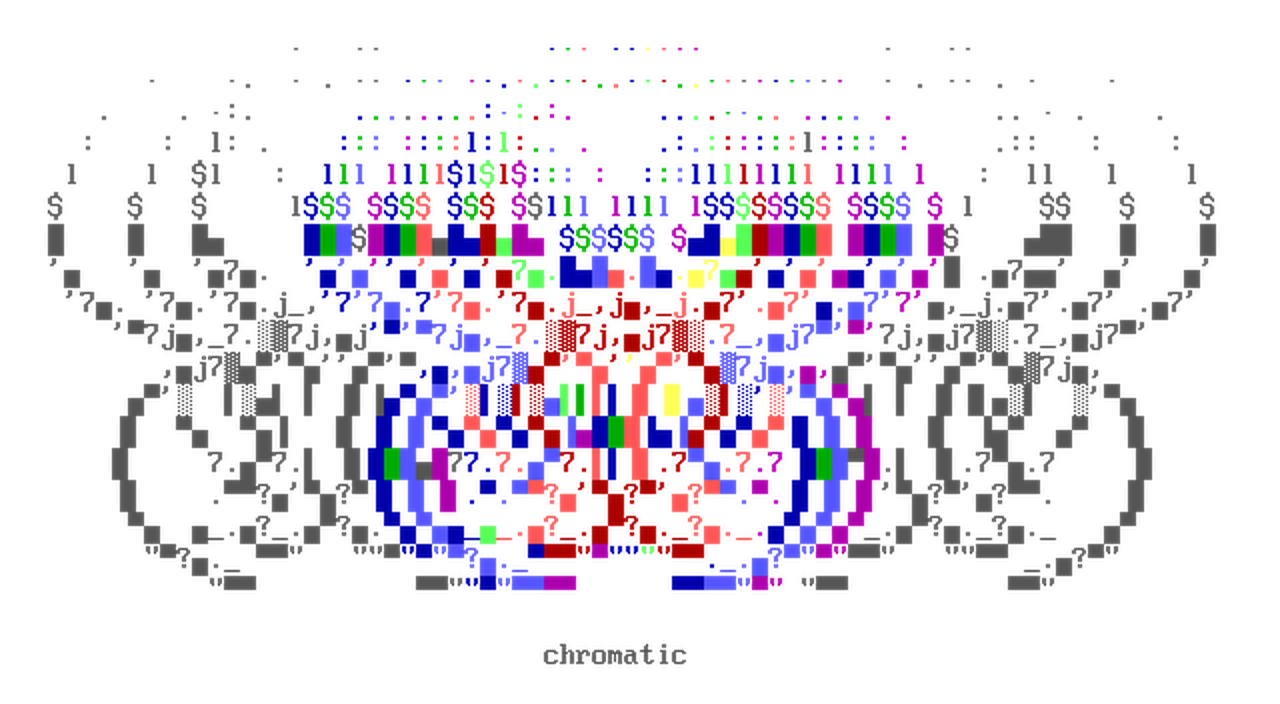


Chromatic is a library for ANSI art image processing and colored terminal text.
It offers a collection of algorithms and types for a variety of use cases:
- Image-to-ASCII / Image-to-ANSI conversions.
- ANSI art rendering, with support for user-defined fonts.
- A
ColorStrtype for low-level control over ANSI SGR strings. - colorama-style wrappers (
Fore,Back,Style). - Conversion between 16-color, 256-color, and true-color (RGB) ANSI colorspace via the
colorbytestype. - Et Cetera 😲
Usage
ColorStr
from chromatic import ColorStr

cs = ColorStr("hello world", fg=0xFF0000, ansi_type="8b")

assert cs.base_str == "hello world"
assert len(cs) == len("hello world")

head, tail = cs.split()

assert head.fg == tail.fg == cs.fg
assert all(c.fg == cs.fg for c in cs)
ColorStr is a str subclass that carries SGR state as metadata.
Its str methods delegate to the base string and return ColorStr instances that retain the SGR state.
assert str(cs) == "\x1b[38;5;196mhello world\x1b[0m"
assert cs.ansi == b"\x1b[38;5;196m"
The SGR sequence materializes when the ColorStr is converted back to a Python str.
color_chain
from chromatic import color_chain

cc = color_chain(
    [ColorStr("hello", fg=0xFF0000), ColorStr(" world", fg=0x00FF00)], ansi_type="8b"
)

sgr, s = cc[0]

assert sgr.fg == (0xFF, 0, 0)
assert s == "hello"
A color_chain is a sequence of colored-text fragments that round-trips with a structured NumPy array.
Each fragment is an (sgr, text) pair of the SGR state and the run of text it applies to.
cc2 = color_chain("\x1b[38;5;196mhello\x1b[38;5;46m world")

assert cc == cc2
The constructor also parses a raw SGR string.
It infers the color depth from the sequence, so cc2 needs no ansi_type.
arr = cc.term_array()

assert arr.dtype == [("char", "<U1"), ("sgr", "<u8"), ("rgb", "u1", (2, 4))]
assert str(color_chain.fromarray(arr)) == str(cc)
term_array exposes the structured ndarray behind the chain, and fromarray reverses it.
fromarray accepts any ndarray of that dtype, so an array built by other means converts to a printable color_chain.
img2ansi
from chromatic import img2ansi

cc = img2ansi("input.png")
img2ansi reads an image and returns a color_chain.
arr = img2ansi("input.png", outarray=True)

assert color_chain.fromarray(arr) == cc
outarray=True returns the underlying ndarray instead.
ansi2img
from chromatic import ansi2img

img = ansi2img(cc)
img.show()
ansi2img renders a color_chain back to an image.
It also accepts a dtype-matching array.
ansify
from chromatic import ansify

img = ansify("input.png")
arr = img.info["ansi_array"]
ansify runs both directions in one call, returning the rendered image with the array it rendered from on Image.info.
Animated images
frames = img2ansi("input.gif")

assert isinstance(frames, list)
assert all(isinstance(f, color_chain) for f in frames)
An animated image renders to a list[color_chain], one per frame.
chromatic image ansify input.gif --stdout
The CLI renders and plays one straight to the terminal.
Installation
Install the package using pip:
pip install chromatic-python
Credits
Banner artwork: main rules by Crasher (2002)